
The form is in Google Forms. The discussion is in staff chat. The decision is somewhere in a spreadsheet. Keeping those three in sync becomes a job of its own.
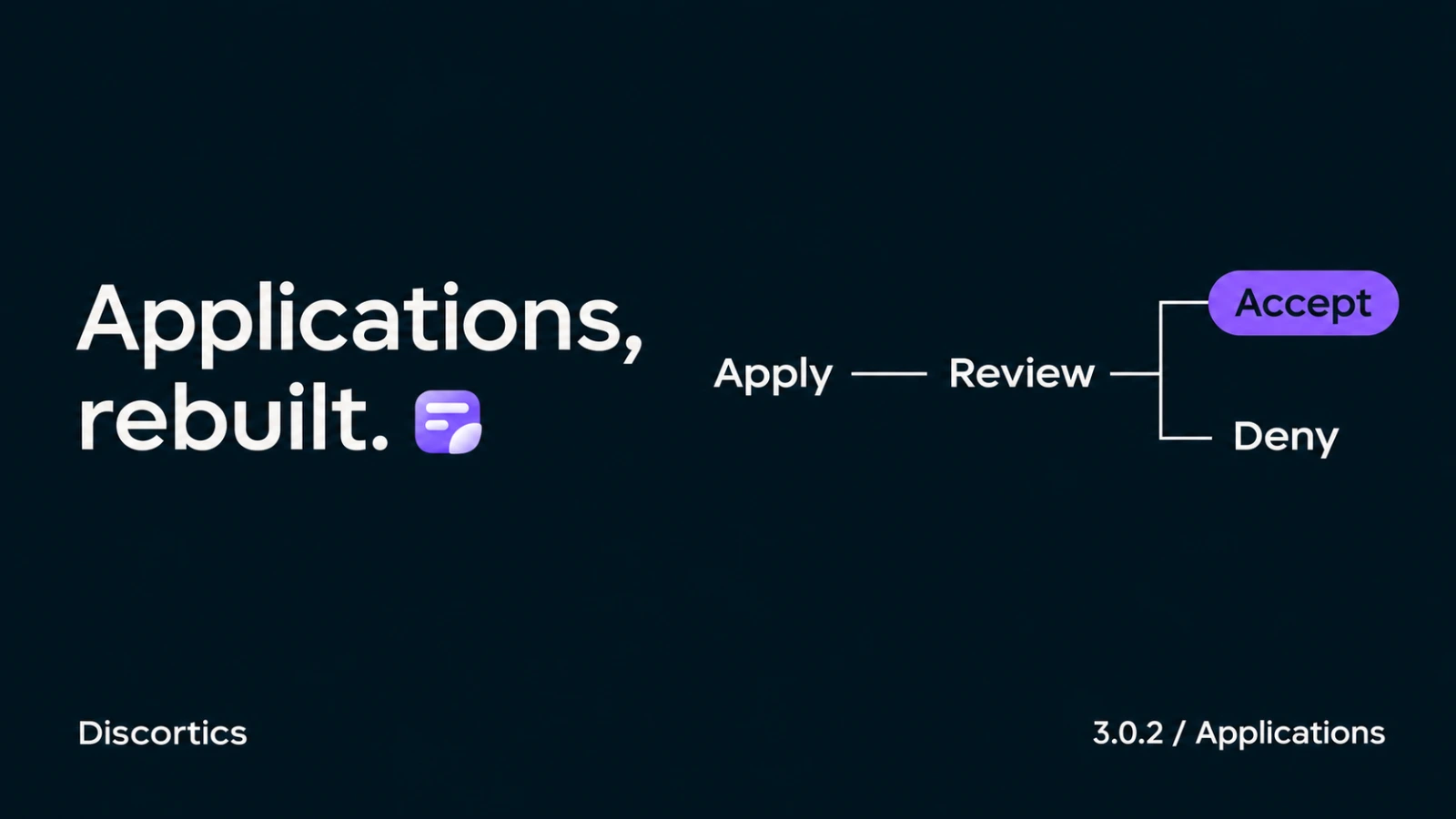
Discortics 3.0.2 rebuilds Applications around the whole hiring round. Make the form in the dashboard, publish a panel in Discord, and review submissions with Accept and Deny on the message itself. The application and the decision stay together.
TL;DR
- One setup flow: build forms and send application panels from the rebuilt dashboard.
- Review in Discord: ping the right staff and accept or deny from the submission.
- More room on Public: 7 forms, 20 questions per form and unlimited responses.
- Also: admins can add or remove currency from a member's balance by hand.
One page to set up the whole form
The rebuilt Applications dashboard uses our V2 components to put the form setup in one flow. Set its name, icon and description; choose the logging channel, acceptance and denial roles, question shuffling, access rules and staff ping roles; then write the completion message applicants receive. You can see how the pieces fit before opening applications.
A front door people can actually find
Publish the application panel straight from the dashboard. Choose a saved embed, the forms to include, the destination channels and a button or dropdown layout.
One panel can offer several forms. Staff recruitment, partnerships, events and creator applications can share a clear starting point, with each choice opening the right form.
Review it where it lands
Submissions arrive in your logging channel, with a ping for the staff roles you've chosen. Long answers are paginated, and Accept and Deny sit on the final page. Read the application, discuss it with your team, and make the decision where the answers are.
Applicants see your completion message after submitting. Staff see the full multiple-choice answer even if Discord shortened its menu label. If the logging channel temporarily can't accept the submission, Discortics queues it for another attempt.
Room for a real recruitment drive
Public now has room for seven separate forms with twenty questions each. The bot and dashboard use the same raised limits across all tiers:
| Application capability | Public | Prime | Custom |
|---|---|---|---|
| Forms per server | 7 | 15 | 100 |
| Questions per form | 20 | 50 | 100 |
| Responses per person, per form | Unlimited | Unlimited | Unlimited |
Saved embed limits also rise to 20 on Public, 50 on Prime and 1,000 on Custom, giving you more room for distinct panel designs.
Also fixed
- Fix a balance by hand: admins can now add or remove currency from a member's balance.
- Unlimited really means unlimited: response-limit handling was fixed for unlimited tiers.
- Ticket closes clean up properly: access cleanup on close was tightened.
- No more silent failures: when an interaction breaks, members get a useful reply instead of nothing.
Open Dashboard → Applications, build a form and send its panel. Submit a test application yourself so you can check both sides of the process. The Applications guide covers the setup.